Samurai Dash
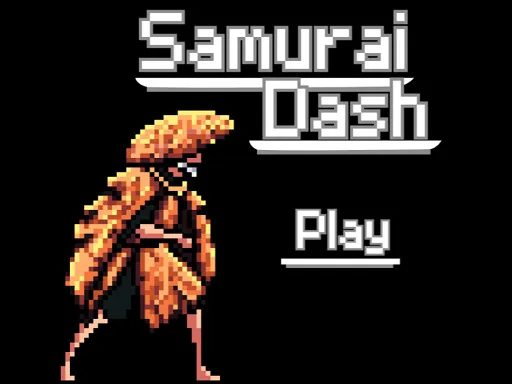
About Samurai Dash
Left and right are attacks, not movement, and misreading that is how most first attempts end within seconds. The samurai holds position while enemies close from either side, so each arrow key press is a strike in that direction rather than a step. Getting the side wrong leaves you swinging at empty air with something arriving behind you. Once the premise clicks it becomes a rhythm of reading which side the next enemy comes from, and the pace increases until reading and reacting have to happen together.
How to Play
- Press the left arrow to strike to your left.
- Press the right arrow to strike to your right.
- Read which side the next enemy is approaching from.
- On a touchscreen, tap the left or right of the screen instead.
Samurai Dash FAQ
How do I move the samurai?
You do not, which is the thing that trips up most new players. Your character stays put and the arrow keys are attacks in each direction, so the game is entirely about reading approach sides rather than about positioning.
How do you play Samurai Dash?
Press the left arrow to strike to your left. Press the right arrow to strike to your right. Read which side the next enemy is approaching from. On a touchscreen, tap the left or right of the screen instead.
Is Samurai Dash free to play?
Yes. Samurai Dash is free to play in your browser on BreakArcade. There is no purchase, no subscription and no account required - open the page and press Play.
Do I need to download Samurai Dash?
No. Samurai Dash is an HTML5 game that runs inside your browser tab. Nothing is installed on your device, and closing the tab ends the session.
Can I play Samurai Dash on a school Chromebook?
Samurai Dash runs on any device with a modern browser, including low-powered school Chromebooks, because it loads in the browser rather than installing. Whether it opens depends on your network - some schools block the game host, which is outside our control.
More Runner Games


Last updated: 2026-09-19