EXPLORE HOLE

About EXPLORE HOLE
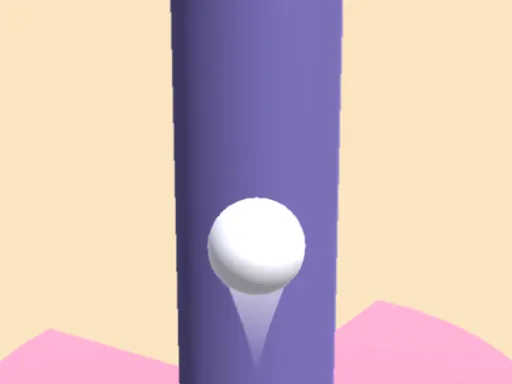
Movement here splits across two axes that don't behave the same way — W and S shift you up or down through the tunnel, while A and D don't steer sideways at all, they slow down or speed up your forward pace instead. That distinction matters once obstacles start requiring a slower approach to squeeze through rather than a dodge. Three separate ability keys sit on top of that: J grows your character to smash through breakable barriers, K hardens it to survive a hit that would otherwise end the run, and L adds a burst of speed. None of the three do the same job, so mashing whichever is closest to your fingers under pressure tends to waste a cooldown the run actually needed a few seconds later.
How to Play
- Use W/S (or Up/Down) to move vertically through the tunnel, and A/D (or Left/Right) to slow down or speed up your forward pace.
- Press J to grow, which lets you smash through certain breakable obstacles you couldn't otherwise pass.
- Press K to harden your character, absorbing a hit that would normally end the run.
- Press L for a burst of speed when you need to close a gap — each ability needs a moment to recharge before you can use it again.
EXPLORE HOLE FAQ
What's the difference between hardening and just avoiding the obstacle?
Hardening lets you survive a collision that would otherwise end the run, but it doesn't remove the obstacle or the time lost hitting it, so dodging is still faster when there's room to do so. Hardening is the fallback for obstacles you can't see coming in time to avoid.
Why do A and D feel like they're not turning me at all?
They aren't meant to — this tunnel doesn't have side-to-side lanes, so A and D only control how fast you're moving forward, not your position. W and S are the only keys that actually reposition your character up or down in the tunnel.
How do you play EXPLORE HOLE?
Use W/S (or Up/Down) to move vertically through the tunnel, and A/D (or Left/Right) to slow down or speed up your forward pace. Press J to grow, which lets you smash through certain breakable obstacles you couldn't otherwise pass. Press K to harden your character, absorbing a hit that would normally end the run. Press L for a burst of speed when you need to close a gap — each ability needs a moment to recharge before you can use it again.
Is EXPLORE HOLE free to play?
Yes. EXPLORE HOLE is free to play in your browser on BreakArcade. There is no purchase, no subscription and no account required - open the page and press Play.
Do I need to download EXPLORE HOLE?
No. EXPLORE HOLE is an HTML5 game that runs inside your browser tab. Nothing is installed on your device, and closing the tab ends the session.
Can I play EXPLORE HOLE on a school Chromebook?
EXPLORE HOLE runs on any device with a modern browser, including low-powered school Chromebooks, because it loads in the browser rather than installing. Whether it opens depends on your network - some schools block the game host, which is outside our control.
More Runner Games







Last updated: 2026-09-19