Obby: Three Challenges

About Obby: Three Challenges
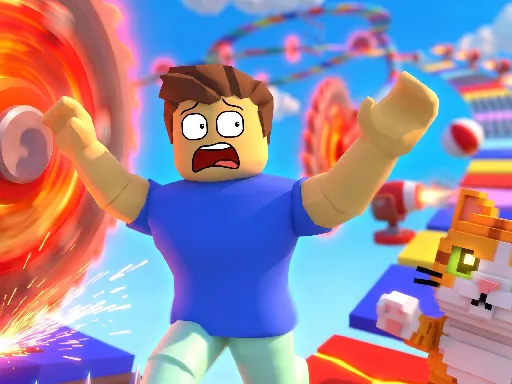
Three separate obstacle courses are stitched into Obby: Three Challenges, and each one leans on a different hazard so the skills from the first section don't carry over cleanly to the next. One challenge is built around timing, with platforms that only exist for a beat before vanishing, while another cares more about precision jumps across gaps too wide for a single press of space. The double jump is available throughout, but knowing when to save it versus spend it early changes course to course, since some sections punish an early jump with nothing left to correct a bad landing. Holding the right mouse button to steady the camera helps more on the timing sections than the jumping ones. Checkpoints save progress within a challenge, not across all three.
How to Play
- Complete each of the three obstacle courses in turn
- Use Space for a jump and a second tap for a double jump
- Save the double jump for gaps a single jump can't clear
- Reach each course's finish line to unlock the next challenge
Obby: Three Challenges FAQ
Why does the double jump feel unreliable in the second challenge?
The second challenge sizes its gaps so a single jump falls just short, meaning the double jump is a requirement there rather than a bonus. Tapping jump too early on the first press makes the second jump fire while you are still rising, which loses the extra distance you needed.
How do you play Obby: Three Challenges?
Complete each of the three obstacle courses in turn Use Space for a jump and a second tap for a double jump Save the double jump for gaps a single jump can't clear Reach each course's finish line to unlock the next challenge
Is Obby: Three Challenges free to play?
Yes. Obby: Three Challenges is free to play in your browser on BreakArcade. There is no purchase, no subscription and no account required - open the page and press Play.
Do I need to download Obby: Three Challenges?
No. Obby: Three Challenges is an HTML5 game that runs inside your browser tab. Nothing is installed on your device, and closing the tab ends the session.
Can I play Obby: Three Challenges on a school Chromebook?
Obby: Three Challenges runs on any device with a modern browser, including low-powered school Chromebooks, because it loads in the browser rather than installing. Whether it opens depends on your network - some schools block the game host, which is outside our control.
More Runner Games


Last updated: 2026-09-19