Draw a road
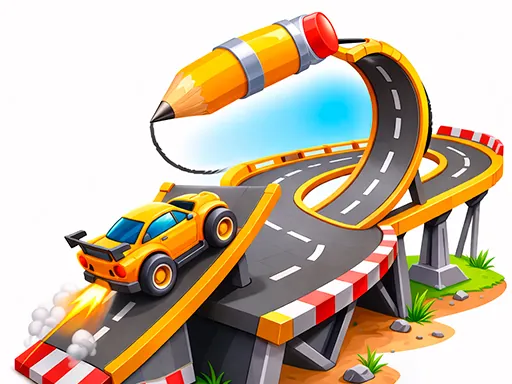
About Draw a road
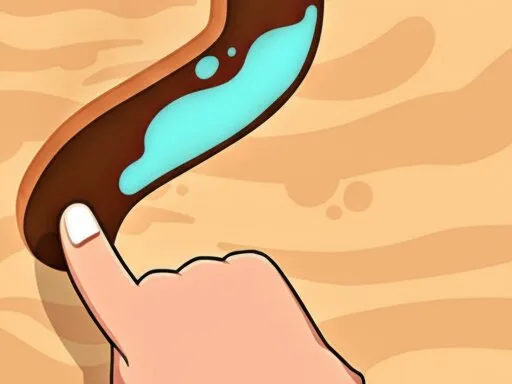
Draw a Road hands you the pencil instead of the wheel. There's no steering to master — you sketch a line from the car to the finish flag with your mouse or finger, and the car follows that exact path automatically once you release. Gaps in the terrain need a drawn bridge to cross, and raised obstacles need a ramp angled steeply enough to launch the car over rather than into them. Nitro pickups sit along the routes you draw close to them, and tapping the boost button mid-drive speeds through a level faster but also makes a misjudged jump harder to correct. A HINT button will sketch a working route for you, a quiet admission that some later gap-and-ramp combinations are genuinely hard to eyeball.
How to Play
- Draw a line from the car to the finish flag with your mouse or finger.
- Add bridges over gaps and ramps angled upward to clear raised obstacles.
- Route your line near nitro pickups, then tap the boost button while driving to speed up.
- Tap HINT if a gap-and-ramp combination isn't working out — it draws a route for you.
Draw a road FAQ
Why does my car fall through a gap even though I drew a line straight across it?
A thin line across a gap isn't automatically a bridge — the drawn path needs enough width and needs to visibly connect both edges of the gap, or the car drops through wherever the line doesn't fully cover the opening.
What makes a ramp actually launch the car instead of just slowing it down?
The ramp needs a steep enough angle drawn on the approach side; a shallow, gradual incline just carries the car up and over slowly, while a sharper upward line sends it airborne with enough height to clear the obstacle.
How do you play Draw a road?
Draw a line from the car to the finish flag with your mouse or finger. Add bridges over gaps and ramps angled upward to clear raised obstacles. Route your line near nitro pickups, then tap the boost button while driving to speed up. Tap HINT if a gap-and-ramp combination isn't working out — it draws a route for you.
Is Draw a road free to play?
Yes. Draw a road is free to play in your browser on BreakArcade. There is no purchase, no subscription and no account required - open the page and press Play.
Do I need to download Draw a road?
No. Draw a road is an HTML5 game that runs inside your browser tab. Nothing is installed on your device, and closing the tab ends the session.
Can I play Draw a road on a school Chromebook?
Draw a road runs on any device with a modern browser, including low-powered school Chromebooks, because it loads in the browser rather than installing. Whether it opens depends on your network - some schools block the game host, which is outside our control.
More Driving Games



Last updated: 2026-09-19