BlockStacking
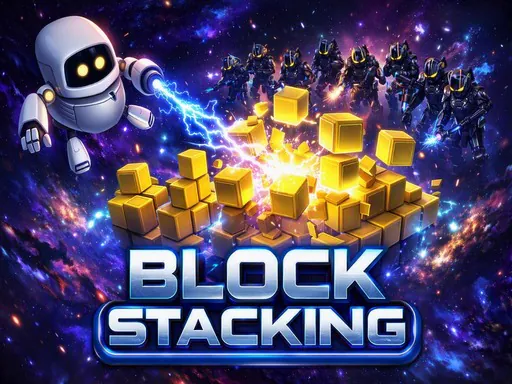
About BlockStacking
Stack blocks by timing a click as each one swings past, and lose whatever hangs over the edge. The tower narrows every time you are slightly off, so a run is really a record of your own accumulating imprecision - miss by a little four times and there is nothing left to land on. Nothing about it is complicated, which is exactly why the failures are annoying in the way that makes you try again immediately rather than close the tab. The first few blocks decide almost everything.
How to Play
- Click or tap to drop the moving block onto the stack.
- Anything hanging over the edge is trimmed off permanently.
- Aim for dead centre early - the tower only gets narrower.
- Stack as high as you can before the platform disappears.
BlockStacking FAQ
Why does my stack keep getting narrower in BlockStacking?
Every overhang is trimmed off permanently, so a block landing even slightly off centre makes the next target smaller. The width only ever shrinks. Accuracy early matters far more than accuracy later, because early mistakes narrow everything that follows.
Is there a trick to timing the drop?
Release slightly before the block looks aligned. The block keeps travelling for a moment after you click, so aiming for a perfect visual overlap consistently lands you a few pixels past centre.
How do you play BlockStacking?
Click or tap to drop the moving block onto the stack. Anything hanging over the edge is trimmed off permanently. Aim for dead centre early - the tower only gets narrower. Stack as high as you can before the platform disappears.
Is BlockStacking free to play?
Yes. BlockStacking is free to play in your browser on BreakArcade. There is no purchase, no subscription and no account required - open the page and press Play.
Do I need to download BlockStacking?
No. BlockStacking is an HTML5 game that runs inside your browser tab. Nothing is installed on your device, and closing the tab ends the session.
Can I play BlockStacking on a school Chromebook?
BlockStacking runs on any device with a modern browser, including low-powered school Chromebooks, because it loads in the browser rather than installing. Whether it opens depends on your network - some schools block the game host, which is outside our control.
More Puzzle Games


Last updated: 2026-09-19